
The System
Fewer Tabs, Fewer Assumptions, and a Readiness Picture You Can Defend.

Briefing Assistant
Hello! Where and when are you flying today?
KBOS to KJFK tomorrow, C172, 1400Z

Route readiness brief
Weather reviewed Corridor accidents checked
Advisory — PIC decides
Describe your flight...
Get a Full Readiness Brief in Minutes
Enter a route, an aircraft and a departure time. FlyNook pulls current weather, terrain, airports and NOTAM hazards, then explains what it found.
Assessment - Running
Preflight FRATRoute: KBOS to KJFK
Pull METAR, TAF and NOTAMs
Score 6 weighted factors
Apply personal minimums
Acknowledge and save brief
Progress
60%
Work a Structured Risk Assessment
A six-step flight risk assessment that walks through pilot, aircraft, environment and external pressure, then records exactly what you acknowledged.
Fleet Overview
126
Briefs Today
11
Factors Scored
92%
Avg Completeness
Cessna 172S
342 briefs
Piper PA-28
289 briefs
Cirrus SR20
156 briefs
See Readiness Across Your Whole Fleet
Follow assessment activity across instructors and students, and spot the patterns worth a debrief.



Built on Sources You Already Trust
NOAA aviation weather, FAA airport and NOTAM data, and two decades of NTSB accident records — beside the tools you already fly with, never instead of them.

How It Works
From Route Entry to Readiness in Three Steps
Enter the Flight
01Give FlyNook your route, your aircraft and a departure time — the same details you would already write on a nav log.
Analyze the Risk
02Current weather, terrain, airports, NOTAM hazards and NTSB corridor history are scored into six weighted factors with a data-completeness figure; NTSB history and your own profile and minimums are checked as findings beside the index.
Review and Decide
03Read the factor breakdown and the briefing, apply your own personal minimums, and make the go/no-go call yourself.
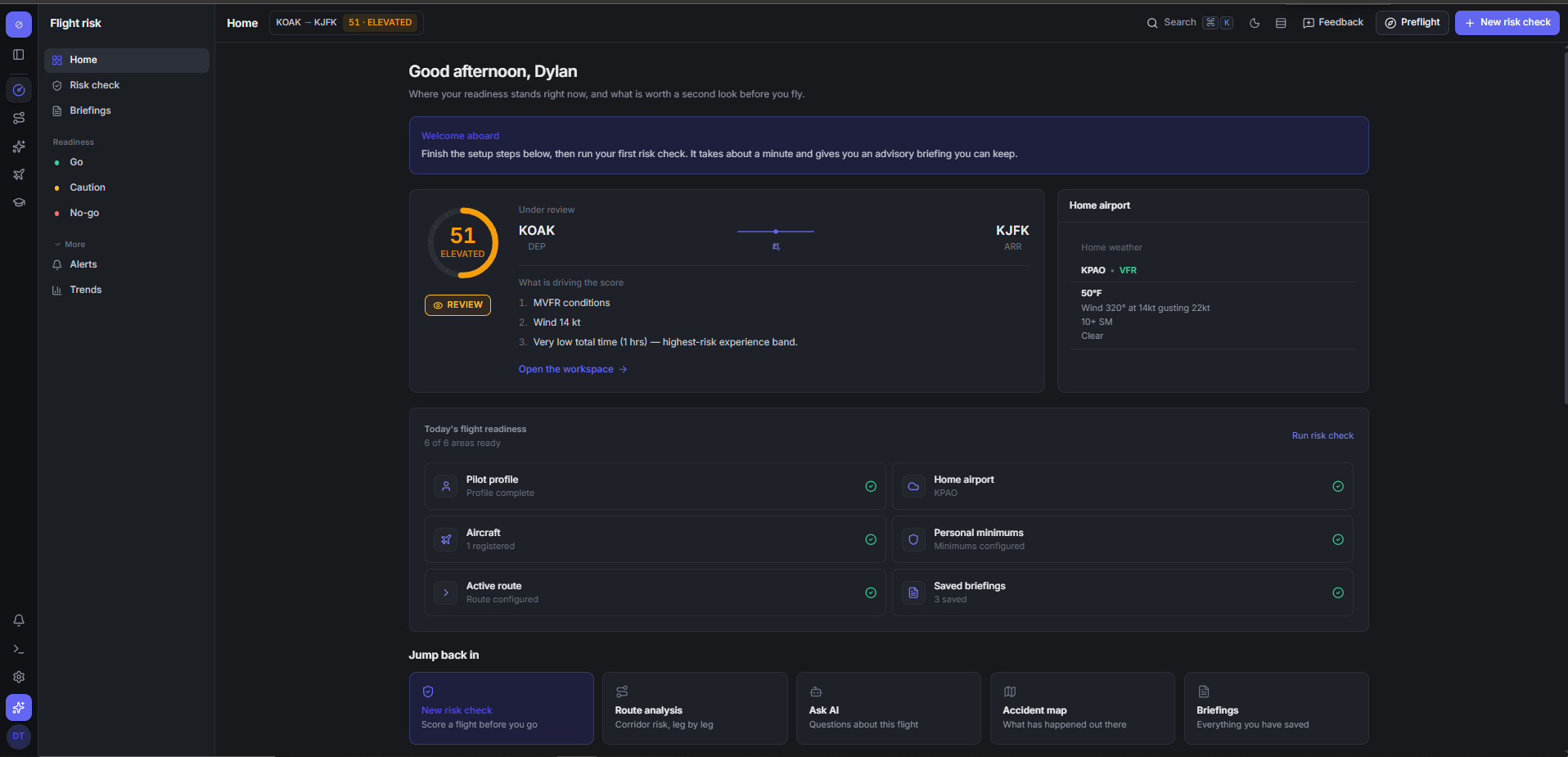
FlyNook is advisory preflight risk intelligence. It scores six weighted factors — weather, the aircraft, terrain, airports, NOTAM hazards, and weight and balance — into one explainable 0–100 index, and checks accident history, your pilot profile and your personal minimums as findings beside it, so you review one picture before you fly.
Aviation weather comes from NOAA’s Aviation Weather Center, fetched on demand at the moment you analyze a route. Accident history comes from an ingested NTSB corpus covering roughly two decades. Airport and runway data comes from our own index, and FAA NOTAMs are used where they are configured.
No. FlyNook is decision support, not the decision. It is not an official weather briefing, not a certified dispatch tool, and not a substitute for flight instruction, aircraft documentation, or FAA-approved sources. The pilot in command makes every final go/no-go call.
The affected factor is marked unavailable rather than quietly assumed safe. Its weight is redistributed across the factors that did return data, and the briefing’s data-completeness figure drops so you can see how much of the picture is actually there before you rely on it.
A school or club plan covers its whole team, with unlimited instructors and students, and every member gets full Pro access. Assessments flow into a shared fleet feed, so a chief instructor can see how risk is being reasoned about across the program and run debriefs from real examples rather than recollection.
No. The Free plan covers unlimited basic route risk checks and five full AI briefings a month with no card at all. Pro is $20 a month or $192 a year. School and club plans are priced per active aircraft, with unlimited instructors and students; retired aircraft are never billed. Talk to us for a quote.